Editor and drawings
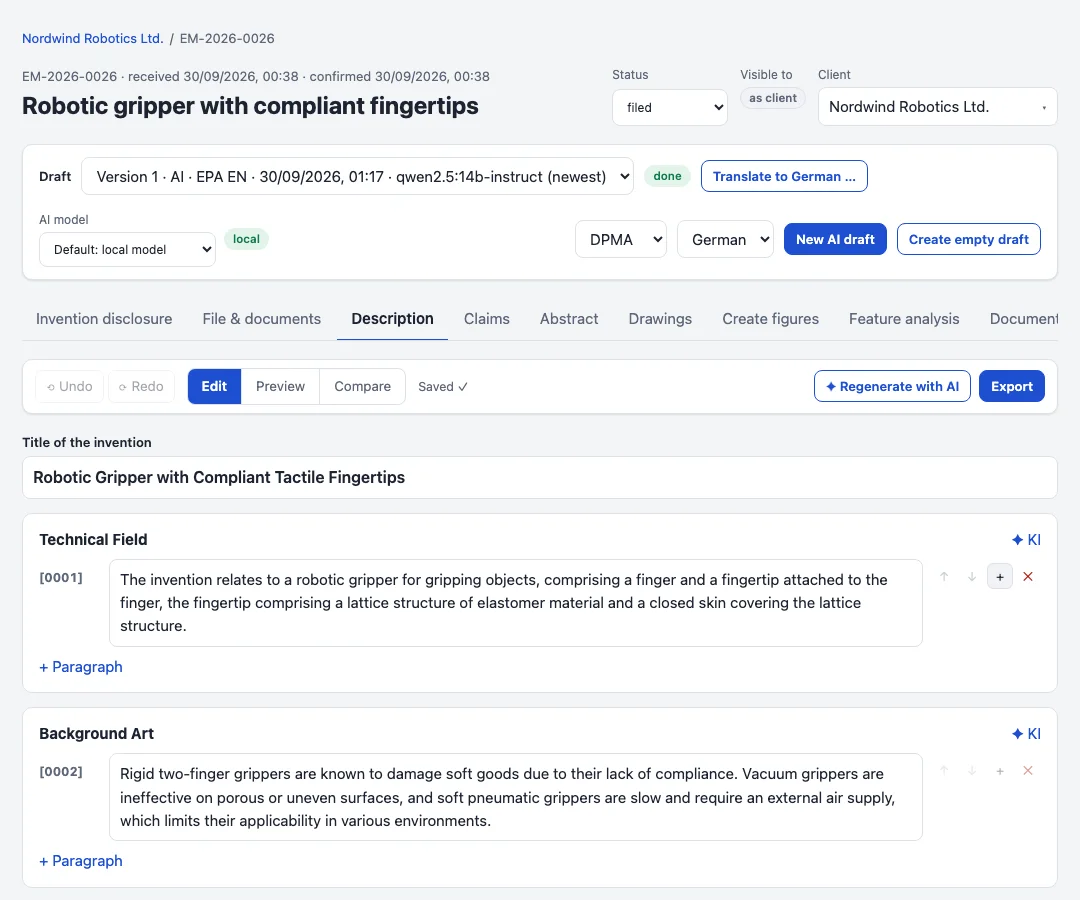
Editing
Description, claims, abstract and figure descriptions are edited in the browser with autosave and undo. Two people editing the same draft do not overwrite each other unnoticed: a save based on an outdated version is refused. Warnings point out missing reference signs, dependencies that do not match and placeholders.
Revisions and chat
A section or claim can be revised with an instruction. The chat next to the draft knows the disclosure and the current text; proposed changes are applied with one click as one undo step. Dictation is transcribed in the browser, without sending audio anywhere.
Claim tree
The claims appear as a tree of independent and dependent claims. Moving or deleting a claim renumbers the rest and updates every reference.
Figure tool
Sketches, photos and CAD screenshots are cleaned up, converted to black and white and set on drawing sheets in the office format. Reference signs are placed with lead lines; the vision model can suggest them from the description. The sheets are exported as PDF with the application documents.